
How Long Does It Take to Learn Touch Typing? (40 to 60+ WPM Roadmap)
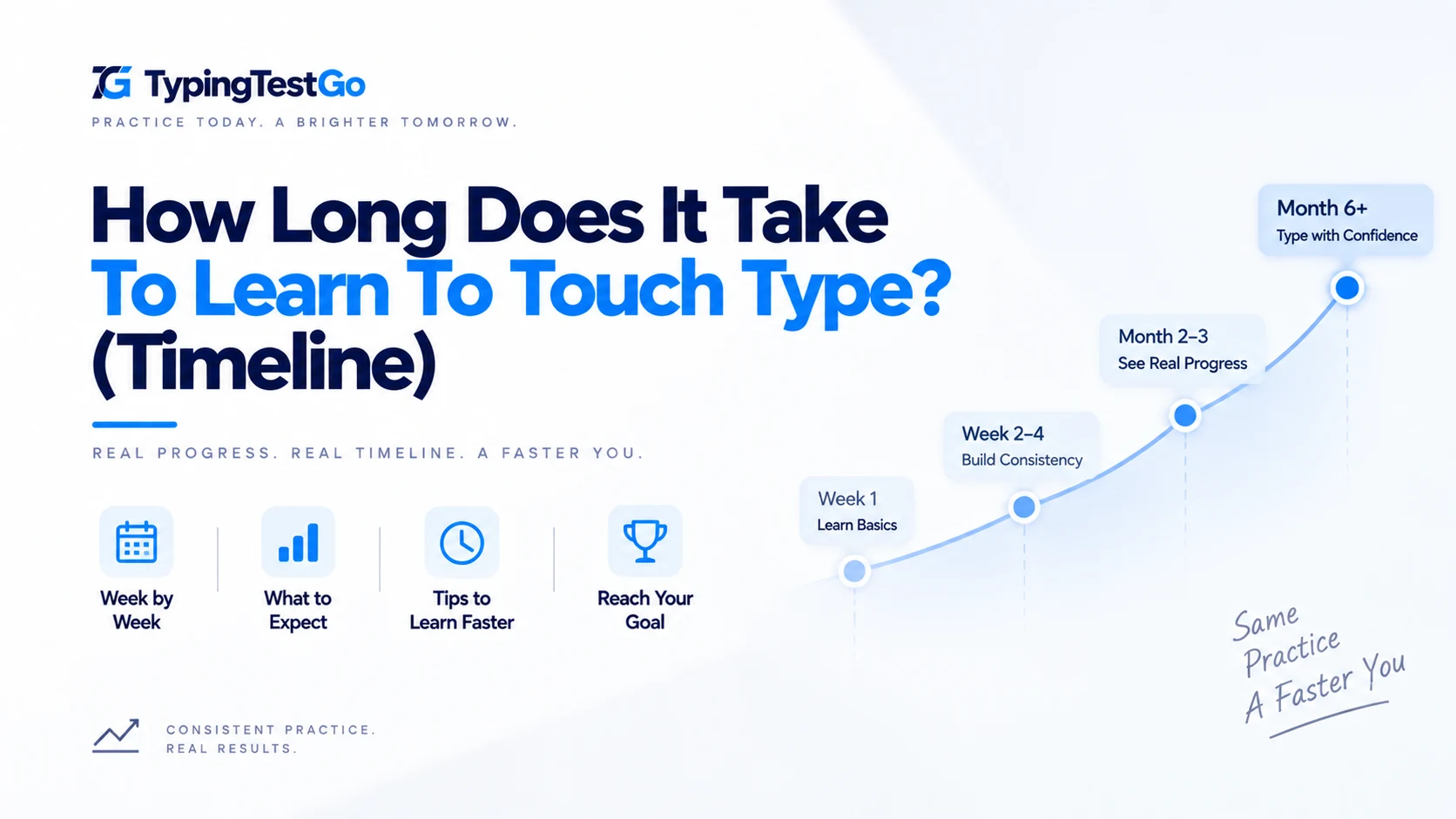
I remember sitting at my desk three days into my touch-typing transition, staring at my hands like they belonged to someone else. My speed had plummeted from 40 WPM (hunt-and-peck) to an agonizing 8 WPM. I felt like I was moving through sludge. If you're currently in that "Valley of Despair," I have good news: your brain isn't failing; it's physically restructuring itself. This guide breaks down the realistic 2026 timeline for learning typing, based on the science of Adaptive Myelination, the physics of Bio-Feedback, and the biological limits of human motor control.
The 5 Stages of Typing Mastery: A Biological Roadmap
Most beginners ask "How many days will it take?" But neuroplasticity doesn't care about your calendar; it cares about Repetition Density. Your brain requires a specific number of high-stakes repetitions to move a movement from the Prefrontal Cortex (conscious thought) to the Basal Ganglia (automatic habit).
| Stage | Cumulative Hours | Expected Speed | Biological Milestone | The Experience |
|---|---|---|---|---|
| 1. The Frustration Zone | 0 - 10 Hours | 10 - 25 WPM | Axonal Mapping | Fingers feel like "pork sausages." Massive mental fatigue. |
| 2. The Cognitive Bridge | 10 - 30 Hours | 25 - 40 WPM | Initial Myelination | The "Click." You stop looking at keys for common letters. |
| 3. The Flow State | 30 - 70 Hours | 40 - 65 WPM | Basal Ganglia Handover | Speed matches your "Internal Voice." Typing becomes fluid. |
| 4. The Productivity Peak | 70 - 150 Hours | 65 - 90 WPM | Cerebellar Optimization | Typing is faster than thinking. The keyboard disappears. |
| 5. The Transcendent Tier | 150+ Hours | 90 - 120+ WPM | Word-Shape Chording | 100+ WPM. Brain processes "chunks" instead of letters. |
The Science of 'Linguistic Buffering' & Predictive Processing
Have you ever wondered how elite typists hit 120 WPM? It isn't just fast fingers; it's Linguistic Buffering. As you improve, your brain starts to read 3-4 words ahead of what your fingers are currently doing. This creates a "buffer" in your short-term memory, allowing your motor cortex to prepare the finger positions for the next word while you're still finishing the current one.
When you are a beginner, your buffer size is zero. You process: Read T -> Type T -> Read H -> Type H. By the 50-hour mark, your buffer expands to 2-3 letters. By 150 hours, you are processing entire sentences as a single rhythmic output. This is why "Reading Ahead" is the single most important skill to practice once you hit 50 WPM.
Predictive Finger Positioning
At 80+ WPM, your brain isn't just sending "Press" commands. It is sending "Position" commands. While your right index finger is pressing 'J', your left pinky is already hovering 2 millimeters above 'A' in anticipation of the next syllable. This predictive positioning reduces the physical travel time of your fingers, effectively bypassing the biological latency of the human nervous system.
Bio-Feedback: Why Your Hardware Dictates Your Speed
The speed at which you learn is directly tied to the Bio-Feedback Loop. This is the signal your brain receives the millisecond a key is pressed. If the feedback is "mushy" (common on cheap membrane laptops), your brain struggles to confirm the successful movement, slowing down the myelination process.
- Tactile Switches (Browns/Blues): These provide a physical "bump" at the actuation point. For learners, this is like training wheels, it gives the brain a crystal-clear signal that the mission is accomplished.
- Linear Switches (Reds/Yellows): These are smooth. While preferred by pros for pure speed, they can actually be harder for beginners because the brain has to rely entirely on "bottoming out" the key for feedback.
- Polling Rate & Input Latency: In 2026, we know that input latency (lag) creates a disconnect in the motor cortex. Test your keyboard latency online to verify your polling rate ensures that the visual feedback on your screen matches your finger movement with millisecond precision. If there is a 50ms delay between your finger press and the letter appearing, your brain's "reward" signal is delayed, which can slow down habit formation by up to 30%.
The 'Veteran's Trap': Re-training After 20 Years of Hunt-and-Peck
For those who have been "hunting and pecking" for decades, the learning curve is steeper. You aren't just learning a new skill; you are un-learning a deeply ingrained survival habit. Your brain has spent 20 years reinforcing the "Look Down" pathway.
To break this, you must use Interference Training. Spend the first 5 hours of your transition typing "nonsense" or gibberish. By removing the linguistic meaning from the keys, you force your brain to focus strictly on the tactile coordinates of the keyboard. This "shocks" the system out of its old visual-dependency loop.
Breaking the '50 WPM Sound Barrier'
Almost everyone hits a plateau at 45-55 WPM. This is the Cognitive Bottleneck. At this speed, you are likely still thinking about individual letters. To break 60 WPM, you must transition to Word-Shape Recognition.
The Chording Strategy
Elite typists don't type "the" as three movements; they type it as one fluid "chord" or a rhythmic roll of the fingers. You stop seeing letters and start seeing "chunks." This is why practicing common n-grams (th, ing, ion, ent) is the secret to moving from "Fast" to "Elite."
Neural Path Ergonomics: The Signal Latency
Your nervous system is a series of electrical cables. If your wrists are bent or your shoulders are hunched, you are literally creating "interference" in the signal. Ulnar Nerve Compression (from resting wrists on hard edges) can increase the latency between your brain's "Fire" command and your finger's movement by up to 15 milliseconds. Over a 1-minute test, that adds up to a massive loss in WPM.
True speed comes from neutral alignment. Your hands should float above the keyboard like a pianist. This minimizes the physical distance the signal must travel and prevents the "micro-pauses" caused by physical discomfort.
The Sensory Overload Trap
One of the biggest mistakes learners make is trying to master the entire keyboard at once. This causes Neural Interference. When you try to learn 'Q', 'P', 'Z', and 'M' in the same hour, the motor signals for these peripheral keys begin to blur together in the motor cortex. Scientific studies recommend a "Zone-Based Approach": master the home row, then the top row, and only then the bottom row. Master each zone until your error rate is below 2% before moving to the next.
The Secret Weapon: REM Sleep Consolidation
Here is a scientific fact most learners ignore: You don't get faster while practicing. You get faster while you sleep.
During REM sleep, your brain performs "Offline Consolidation." It replays the neural firing patterns from your practice sessions at 10x speed, thickening the Myelin sheath around the axons you used. This is why you might struggle with the "B" key for an hour, go to bed frustrated, and find that you can hit it perfectly the next morning. If you want to learn fast, prioritize 7+ hours of sleep during your "Training Weeks."
The Verdict: A Realistic 30-Day Goal
If you give me 15 minutes, twice a day, for 30 days, you will reach 40 WPM. That is the universal threshold where typing stops being a "task" and starts being "natural." At 40 WPM, you are faster than 60% of the global population. From there, it's no longer about "learning", it's about "polishing."
Calculate your learning curve
Based on your current speed and daily practice window, we can estimate your breakthrough date. Use our Improve Speed calculator to see your myelination roadmap.
Estimate My Timeline →