
Why You Need a Mechanical Keyboard for Speed (2026 Guide)
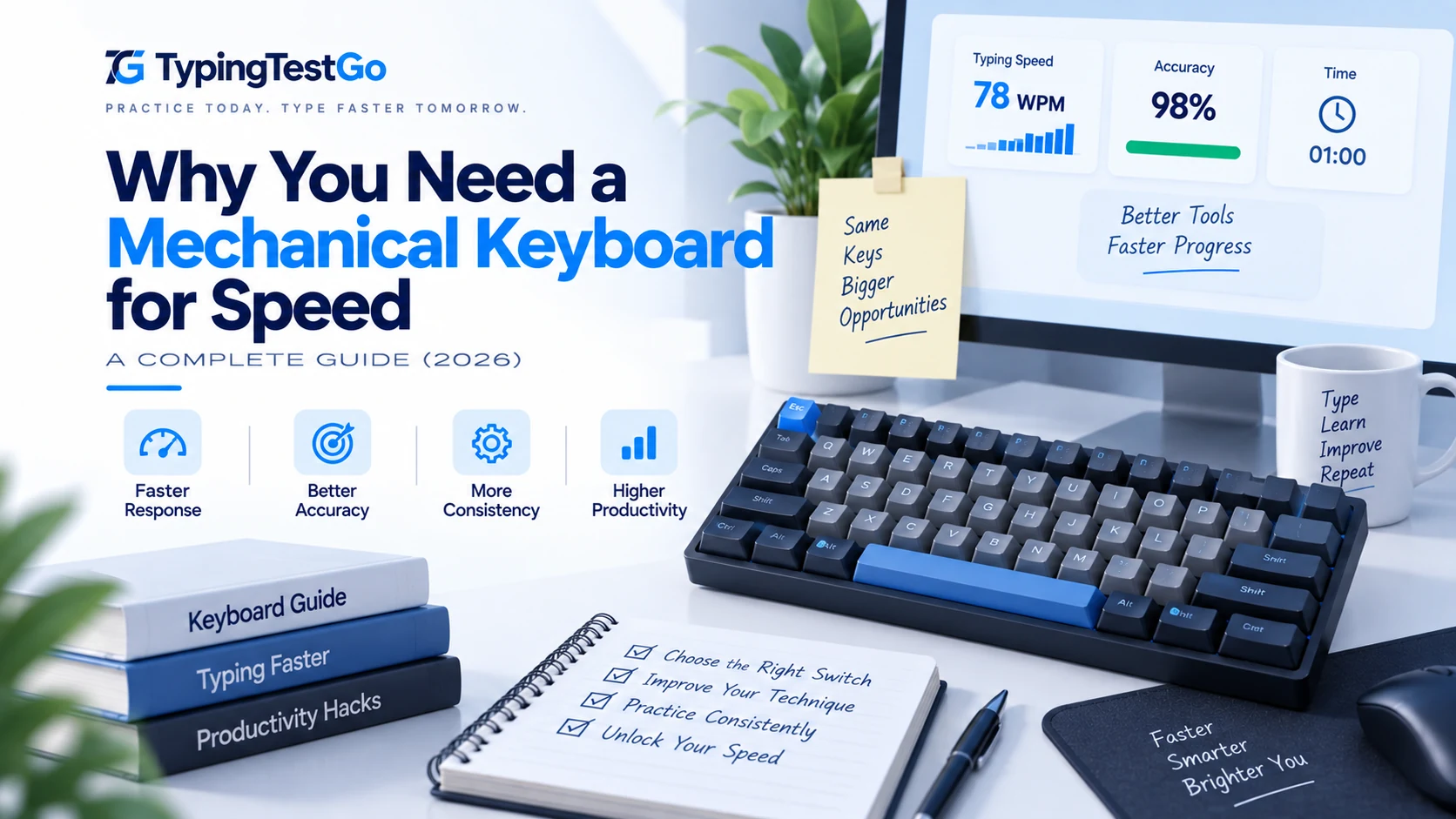
I spent five years typing on a mushy, $15 office keyboard that came free with my desktop. I thought "mechanical keyboards" were just for gamers who liked colorful lights. Then I tried a high-quality tactile switch. It wasn't about the speed gain-it was about the fact that I actually wanted to type. It felt like moving from a rickety bicycle to a well-tuned sports car. But strip away the marketing: Does a $200 board actually make you faster, or is it just expensive plastic?
Why is a 'mushy' membrane keyboard the biggest enemy of speed?
What makes a mechanical switch technically superior to a membrane keyboard isn't the sound-it's the consistency and actuation logic. This is why many pro typists focus on ergonomic tactical feedback.
- Actuation Point vs. Bottom Out: On a membrane keyboard, you must press the key all the way down (bottom out) to complete the circuit. A mechanical switch actuates "mid-flight." This allows for a lighter touch and faster subsequent keypresses.
- Actuation Force (Grams): Elite typists often prefer "light" switches (35g-45g) to reduce fatigue, or "medium" switches (55g-65g) to prevent accidental presses.
- Travel Distance: Standard switches have a 4.0mm travel with a 2.0mm actuation. "Speed" switches (like Silver or Pink) often reduce this to 1.2mm, saving precious milliseconds on every single character.
Does keyboard latency and polling rate actually affect your typing?
If you type at 200 WPM, you are hitting about 17 characters per second. If your keyboard only communicates with your computer 125 times per second (common for cheap office gear), you can experience "input jitter." At speeds over 200 WPM, hardware performance becomes non-negotiable.
- 1000Hz+ Polling: High-end mechanical keyboards report to the PC every 1ms. This ensures that the exact order of your keypresses-even when they happen within microseconds of each other-is recorded perfectly.
- Latent Input: Cheap wireless keyboards can have up to 20ms of lag. While this seems small, it's enough to disrupt the mental "flow state" that elite typists rely on for rhythm.
Can a mechanical keyboard fix your bad typing habits?
The Myth: "Buy a mechanical keyboard and your WPM will jump by 20 instantly."
The Reality: Hardware is a bottleneck remover. If you type at 40 WPM, a new keyboard won't help you. If you type at 120 WPM and your current keyboard is frequently dropping keys or causing finger strain, upgrading to one of the best keyboards for typing might unlock your next 10 WPM.
The biggest benefit of a mechanical keyboard is actually consistency. Because the switches feel identical every time, your muscle memory becomes more precise. In typing, consistency *is* speed.
How does the 'Hotswap' revolution allow for typing optimization?
The newest trend in speed typing is "Hotswappable" keyboards. These allow you to pull out switches and replace them without soldering.
- Mixed Switch Layouts: Some elite typists use different switches for different keys. This is often paired with an alternative keyboard layout for maximum optimization.
- Lubrication: Manually lubricating (lubing) switches removes friction, making the travel feel like "butter" and reducing the mental effort required for each stroke.
- Keycap Profile: The shape of the plastic (OEM, Cherry, DSA) affects how easily your fingers can glide across the rows.
What are the best switch types for performance in 2026?
| Switch Family | Actuation Force | Pre-Travel / Total Travel | Tactile Characteristic | Typing Speed & Accuracy Profile |
|---|---|---|---|---|
| Linear Red (Cherry / Gateron) | 45g | 2.0mm / 4.0mm | Smooth, zero bump | High burst speed; minimal resistance enables effortless double-taps and fluid finger rolling across rows. |
| Speed Silver (Cherry MX Speed) | 45g | 1.2mm / 3.4mm | Short-throw linear | Ultra-fast actuation; shaves ~15–25ms off individual stroke latency, though prone to stray typos for unpracticed hands. |
| Tactile Brown (Cherry / Boba U4T) | 55g peak (45g actuate) | 2.0mm / 4.0mm | Subtle tactile bump | Highest accuracy ratings; tactile event confirms registration mid-travel without requiring bottom-out impact. |
| Clicky Blue (Cherry / Kailh Box) | 50g–60g | 2.2mm / 4.0mm | Crisp acoustic click + bump | Acoustic confirmation prevents over-striking; click mechanism reset hysteresis slightly limits rapid repetition speed. |
| Hall Effect / Magnetic (Lekker / Wooting) | 30g–60g (Adjustable) | 0.1mm–4.0mm (Dynamic) | Analog contactless | The gold standard for modern competitive typists; instantaneous Rapid Trigger reset eliminates leaf-spring debounce delay. |
| Low-Profile Mechanical (Kailh Choc) | 50g | 1.5mm / 2.8mm | Flat low-angle linear/tactile | Reduces wrist extension angle by up to 12 degrees; ideal for ergonomic laptop-style muscle memory with mechanical reliability. |
Debounce Latency vs. Contactless Hall Effect Switches
Traditional mechanical switches rely on two flexible copper metal leaves making physical contact to complete an electrical circuit. When these metal leaves collide, they physically vibrate or "chatter" for several milliseconds. To prevent your operating system from registering five unintended characters on a single press, keyboard firmware enforces a mandatory debounce delay (typically 5 to 15 milliseconds).
During debounce windows, your keyboard controller pauses to verify that the signal is stable. In high-speed typing bursts of 160+ WPM—where successive keypresses occur within 50 milliseconds of each other—mechanical debounce delays can introduce subtle input jitter.
Magnetic (Hall Effect) switches bypass this physical constraint entirely. Instead of metal contact leaves, a permanent neodymium magnet inside the stem moves past an analog Hall sensor on the PCB. The sensor measures continuous magnetic flux density with sub-millimeter precision. Because there are no physical contacts to chatter, debounce delay drops to zero milliseconds. Furthermore, "Rapid Trigger" technology resets the key the microsecond the switch begins moving upward, allowing for near-instantaneous key repeats on identical letters (like the double "ll" in "parallel").
Keycap Profiles and Wrist Ergonomics
The physical geometry of your keycaps profoundly impacts finger travel and fatigue during extended typing sessions. Standard keyboards ship with tall, sculpted OEM or Cherry profiles, which feature stepped heights across rows to simulate a concave curve.
- Uniform Profiles (DSA, XDA): All keys share an identical flat height and spherical indentation. These provide a clean, modern aesthetic but force fingers to travel farther vertically when navigating the number and function rows.
- Sculpted Cylindrical Profiles (Cherry): The lower overall height compared to OEM profiles reduces the required reach of your index and middle fingers, facilitating smooth horizontal glide.
- Gasket-Mounted Plates: Modern premium keyboards suspend the internal switch plate between silicone or poron foam gaskets rather than screwing it rigidly to the bottom tray. This introduces mechanical flex that absorbs bottom-out impact shock, substantially reducing repetitive strain and joint soreness during 10,000-word daily typing marathons.
Linear, Tactile, or Clicky?
Stop guessing. Tell us your typing style and we'll recommend the exact switch weight and travel distance for your next board.
Find My Perfect Switch →Wireless 2.4GHz vs Bluetooth vs Wired Latency
Modern typists frequently ask whether cutting the cord compromises performance. The answer depends strictly on connection protocols:
- Bluetooth (BLE 5.0+): Capped by Bluetooth HID specifications at 125Hz polling (~8ms latency), with intermittent sleep wake-up delays. Excellent for battery life on travel laptops, but introduces noticeable micro-stutters during 120+ WPM typing bursts.
- Proprietary 2.4GHz Wireless: Modern protocols (like Logitech Lightspeed and Razer HyperSpeed) achieve true 1,000Hz (1ms) and even 4,000Hz (0.25ms) polling through dedicated USB receivers, delivering wired-equivalent responsiveness with zero dropped strokes.
- Direct USB-C Wired: The gold standard for zero packet loss, electromagnetic interference resistance, and stable 8,000Hz polling during competitive speed-typing tournaments.
Why should you consider an upgrade in 2026?
If you find yourself "fighting" your current keyboard-if it feels mushy, if you're getting hand cramps, or if you feel like the computer isn't keeping up with your fingers-it's time for an upgrade. A mechanical keyboard won't give you skill, but it will give you a better canvas to paint your skill on.